News & Updates
The latest news and updates from companies in the WLTH portfolio.
German Regulator Rules Google AI Overviews, Perplexity Subject To National Media Law
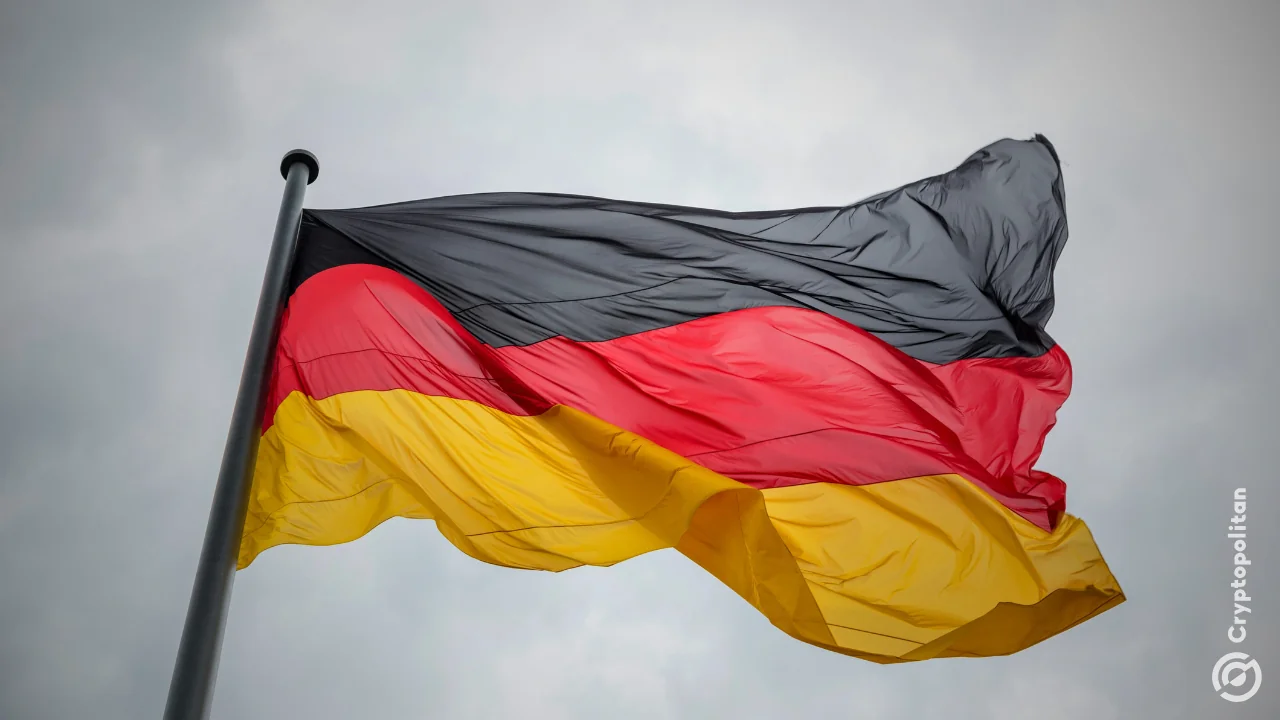
Germany's media regulator ruled Google AI Overviews and Perplexity are subject to national media law, increasing oversight of AI-generated content. Germany's media regulator has ruled that Google's AI Overviews and Perplexity AI are subject to the country's media laws, significantly expanding oversight of artificial intelligence-generated content following a recent court ruling against Google. The Commission for Licensing and Supervision (ZAK), which represents Germany's 14 state media authorities, said AI-generated search summaries and chatbot responses should be treated as content produced by the providers themselves rather than as a simple display of information from third-party websites. The decision follows a ruling by a Munich court that found Google could be held liable for allegedly false information generated by its AI Overview feature, concluding that the AI-generated summaries constitute the company's own content. ZAK Chairman Thorsten Schmiege said AI-powered search engines and chatbots are content providers and will henceforth be regulated under Germany's media laws. The regulator also said liability protections under the European Union's Digital Services Act, which generally shield online platforms from responsibility for unlawful user-generated content, do not apply to AI-generated responses because the content is created by the providers themselves. ZAK argued that Google's AI Overviews are displayed prominently in search results, reducing the visibility of traditional website links and potentially placing independent media organisations at a competitive disadvantage. It further said AI chatbots such as Perplexity influence how users access news by selecting and presenting sources, links and recommendations alongside AI-generated responses, potentially qualifying them as media intermediaries subject to regulations aimed at safeguarding media plurality. Google said it would appeal the ruling, arguing that the decision fails to recognise how people's search habits and the digital information ecosystem are evolving. The company maintained that its AI-powered summaries enhance users' search experience by helping them discover relevant content more efficiently and ask follow-up questions. Perplexity declined to comment on the decision, saying only that it complies with the European Union's General Data Protection Regulation (GDPR) and maintains SOC 2 Type II certification covering its security and privacy practices.

German regulator says Google and Perplexity must follow media laws - Cryptopolitan
Germany's regulator is focusing on how AI products distribute news and who is responsible for the output when it is incorrect. Germany's media watchdog said Google's AI Overviews and Perplexity AI are content providers under the country's media law on Tuesday. This means that the two most popular AI search engines now have to follow the same rules as regular publishers and are directly liable for the content generated by their AI systems. The decision was made by ZAK, the Commission for Licensing and Supervision, which is made up of 14 German state media. ZAK found that the companies running AI created news summaries and chatbot responses are the authors. That's a critical distinction because it implies AI products can no longer hide behind the legal shield they have relied on in the past. "AI search engines and chatbots are content providers," ZAK Chairman Thorsten Schmiege said in a statement. "From now on, we will always apply German media law to them." In those cases, the Digital Services Act's responsibility exemption is not applicable, the regulator said. That immunity typically shields platforms from liability for user created illicit content. German court holds Google responsible for AI Overview content The decision by ZAK came after a court in Munich said that Google was directly responsible for the allegedly false statements that its AI Overview feature made. The court saw the summaries as Google's own work, not as repackaging information from other sources. That reasoning is the same as what ZAK applied to the broader issue of media law. Once an AI system is the author of what appears on screen, the company behind it bears the obligations and risks associated with publication. ZAK says that Google's AI Overviews show up at the top of search results, pushing down traditional lists of links. The regulator thinks this is unfairly hurting third-party media outlets that depend on that traffic. ZAK says that tools like Perplexity change the news that people read by letting users pick and show sources, links, or suggestions along with their own answers. On that basis, the regulator stated that such services could qualify as media intermediaries, a category with rules designed to protect media plurality. The German move comes as global pressure grows for formal oversight of frontier AI systems. According to Cryptopolitan, Google DeepMind CEO Demis Hassabis recently called for a US watchdog, similar to Wall Street regulator FINRA, to screen the most powerful AI models before they are released. Anthropic CEO Dario Amodei has advocated for a more powerful agency, similar to the FAA, with the authority to prohibit unsafe models. These proposals address safety concerns with the underlying models. Germany's regulator is looking into how AI products distribute news and who is responsible if the output is incorrect.
How To Stop Your Airtel Perplexity Pro Free Trial Before You're Billed
To avoid automatic billing, Airtel users should cancel their subscriptions before the renewal date. (AI Image) Airtel users who claimed the complimentary one-year Perplexity Pro subscription through the Airtel Thanks app may soon need to make an important decision. The free promotional offer, introduced through a partnership between Airtel and Perplexity in 2025, is now approaching its end for many subscribers. If you don't plan to continue with the paid version, you may want to cancel your subscription before the renewal date to avoid automatic billing. Keep on reading to know everything about cancelling your Airtel Perplexity Pro subscription and how to make sure your account isn't charged unexpectedly.

Anthropic Starts India Pricing For Claude AI, Pro Plan At Rs 2,000
The pricing update underscores India's growing importance for Anthropic File photo Anthropic has started introducing India-specific pricing for its Claude AI assistant, allowing users to pay for subscriptions in rupees instead of US dollars. The move is expected to make the chatbot more accessible to Indian users and marks another step in the company's growing focus on what it now describes as its second-largest market after the United States. Indian users are beginning to see local pricing across Claude's paid plans on the web and mobile apps, eliminating the need for dollar-denominated payments and reducing the friction associated with international transactions. The localisation comes as global AI companies race to expand in India, one of the world's fastest-growing markets for generative AI. Under the new pricing, Claude Pro will cost Rs 2,000 per month with annual billing, or Rs 2,399 per month if billed monthly. Anthropic has also introduced two Claude Max tiers priced at Rs 11,999 and Rs 23,999 per month, offering significantly higher usage limits for developers, researchers and power users. Businesses can subscribe to the Claude Team plan from Rs 2,399 per user per month on annual billing, while the Premium Team tier is priced at Rs 11,999 per user per month. All prices include GST. The pricing update underscores India's growing importance for Anthropic. The company says India has emerged as its second-largest market globally after the US, accounting for 5.8% of Claude's worldwide user base. Earlier this year, CEO Dario Amodei said Anthropic's revenue run rate in India had doubled in just four months, highlighting the rapid pace of AI adoption in the country. Anthropic has been steadily expanding its presence in India. In February, the company opened its first office in Bengaluru and has since increased its focus on developers and enterprises. The company has also partnered with fintech firm Razorpay to make Claude more accessible to businesses building AI-powered products and services. The latest move comes as competition in the AI assistant market intensifies. OpenAI, Google, Microsoft and Perplexity have all stepped up their efforts in India through new products, partnerships and enterprise offerings. By introducing local currency pricing, Anthropic is lowering one of the biggest barriers to paid subscriptions while signalling that India is becoming central to its long-term growth strategy. How may i help you today Show full article Track Latest News Live on NDTV.com and get news updates from India and around the world Anthropic, AI Adoption India, Generative AI Market
NVIDIA Vera CPU Demand Rises as Perplexity Backs Its AI Inference Performance - OnMSFT
NVIDIA Vera CPU demand is rising as more AI firms look for faster processors built for inference and agentic AI workloads, with Perplexity now joining the list of companies backing NVIDIA's latest data center CPU. According to Reuters, Perplexity VP Nate Kupp said Vera was a strong fit for the company's core workloads, as the chip delivered around 1.5 times faster performance than traditional CPUs in agentic AI coding tasks. Why NVIDIA Vera Matters for AI Workloads NVIDIA has positioned Vera as a CPU built for AI inference, where speed, predictable latency, and strong single-threaded performance matter more than simply adding more cores. Agentic AI workloads run in repeated loops, where the CPU handles a task, sends results back, and then helps the model decide the next step. NVIDIA says conventional CPUs do not handle this pattern well because more cores do not always reduce the time each step takes. Vera uses NVIDIA's custom Olympus cores and brings 50% higher IPC than Grace, which means each core can handle more instructions while staying efficient under load. Vera Focuses on Single-Threaded Speed NVIDIA describes Vera as a "Max Single-Threaded" CPU at scale, with strong per-core performance, high memory bandwidth, and predictable latency across workloads. The chip pairs its 88 cores with up to 1.2TB/s of LPDDR5X memory bandwidth while keeping memory power below 40W. NVIDIA also says Vera's monolithic compute die provides 3.4TB/s of core-to-core bandwidth, which helps reduce bottlenecks during demanding AI tasks. Perplexity's early results show why AI companies are paying attention. NVIDIA also claims stronger results in concurrent sandboxes, SQL analytics, and real-time streaming workloads when compared with traditional x86 CPU offerings. With Vera already reaching companies such as OpenAI, xAI, Oracle, Anthropic, and Perplexity, NVIDIA is now pushing deeper into the CPU market while preparing Rosa, its next-generation data center CPU with the newer Rigel core architecture.
